How to Play GTA in Minecraft (Guns, Gangs, Robberies & Chaos)

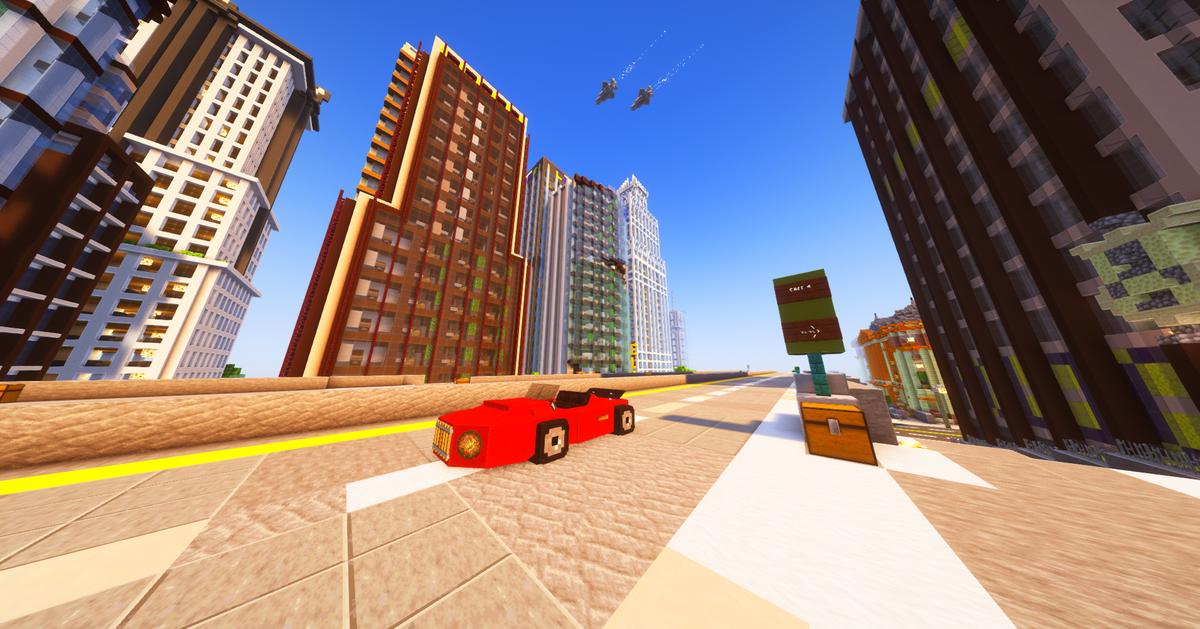
Ever wished Minecraft had the fast-paced action of GTA—guns, police chases, robberies, gangs, and a living city where anything can happen? Good news: you can play a GTA-style experience in Minecraft. With the right server, Minecraft becomes an open-world crime sandbox where you grind cash, gear up, and build your reputation—just like the streets.
1) Join a GTA-Style Minecraft Server
To play “GTA in Minecraft,” you’ll want a dedicated Minecraft GTA server (not vanilla). These servers add custom gameplay like:
- Guns & PvP (modern weapons, loadouts, and intense fights)
- Robberies & money-making (stores, heists, and risky jobs)
- Police vs Criminals (wanted systems, pursuits, and consequences)
- Gangs & turf vibes (crew up, dominate, and climb the ladder)
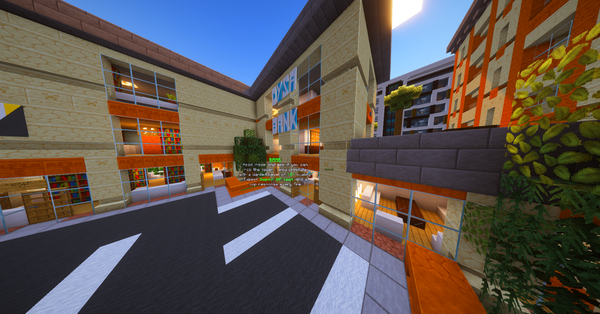
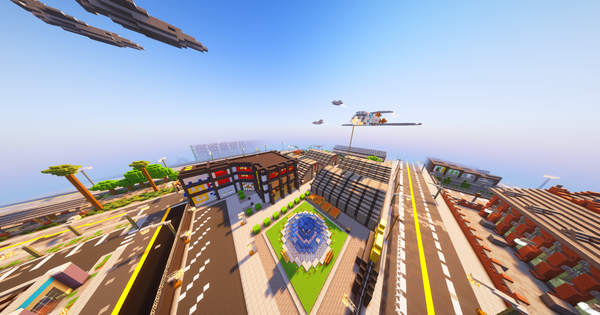
- City maps & vehicles (urban gameplay that feels like a real world)
2) Enable Custom Resource Packs (Important)
Most GTA Minecraft servers use a custom resource pack to add realistic weapon textures, UI, sounds, and immersive visuals.
Before you join, go to:
Minecraft → Multiplayer → Edit Server → Server Resource Packs → set to “Enabled” (or “Prompt”)
This makes sure everything loads properly when you connect.
3) Load In, Gear Up, and Start Building Your Empire
Once you’re in, it’s all about progression:
- Start small, earn cash, and upgrade your kit
- Learn the city hotspots (shops, robberies, safe routes)
- Watch your wanted level and avoid getting caught
- Squad up and build a gang that runs the streets
Play GTA in Minecraft on MCGTA
If you want the full GTA in Minecraft experience—fast-paced action, crime gameplay, and a real city vibe—jump on here:
Server IP: play.mcgta.net